
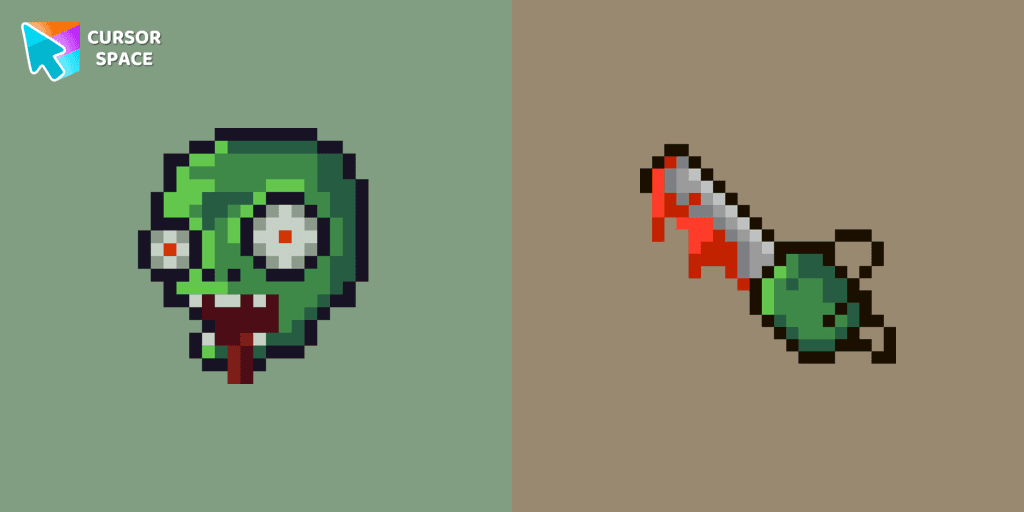
Zombie Pixel cursor
86Free
Zombie Pixel custom cursor from our Cute Pixel cursors collection for mouse and pointer.
Browse our full collection of custom cursors. Find your next favorite style and install it for free.
Zombie Pixel custom cursor from our Cute Pixel cursors collection for mouse and pointer.
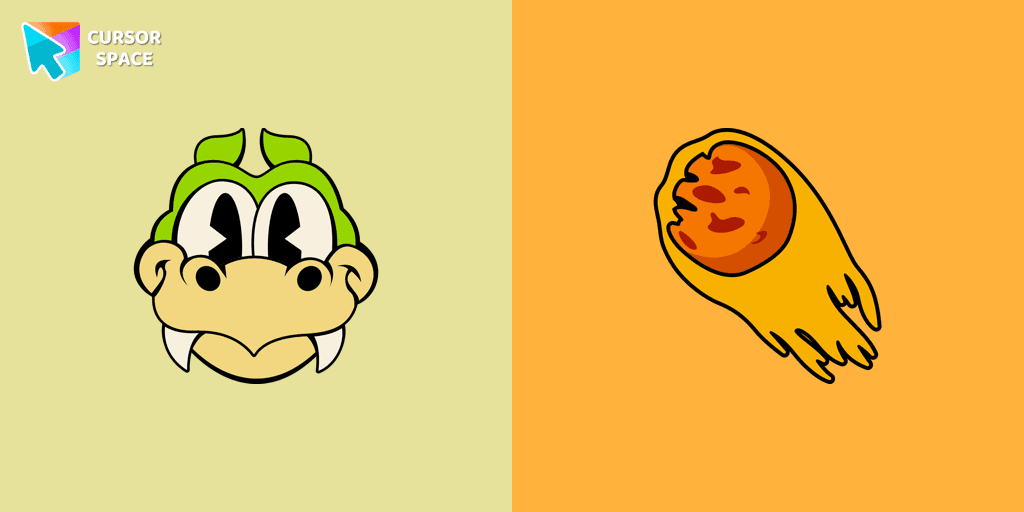
Enhance your browsing with the Grim Matchstick custom cursor for Google Chrome. This animated cursor brings the fiery charm of the Cuphead boss to your screen.

Ribby and Croaks custom cursor for Google Chrome brings the iconic Cuphead bosses to life. Enjoy an animated, dynamic cursor that enhances your browsing experience
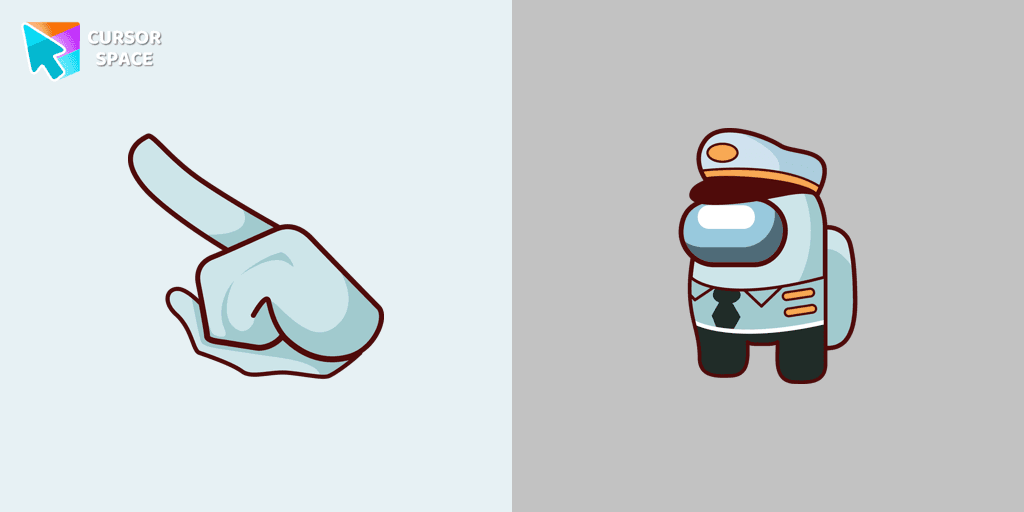
Set Sail on a Browsing Adventure with the Among Us Captain Character Cursor
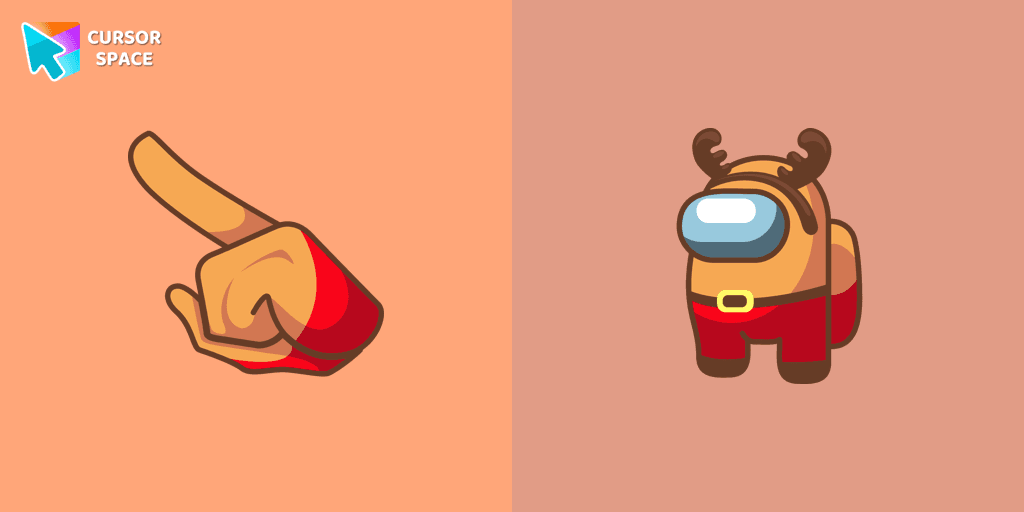
Unlock Fun and Whimsy with the Among Us Deer Character Cursor Funart
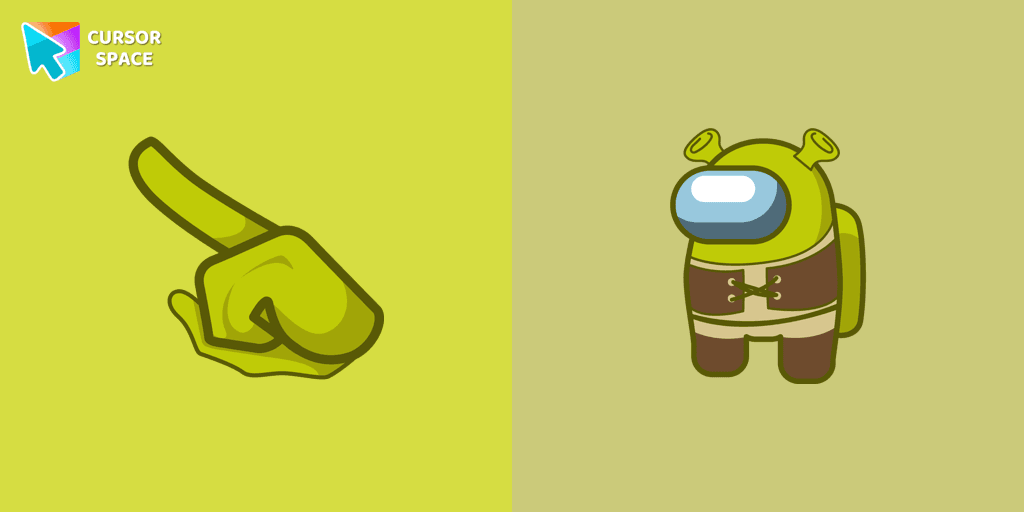
Get the Among Us Shrek character custom cursor for Google Chrome easily. Download and install the Shrek custom cursor for a fun, unique browsing experience.
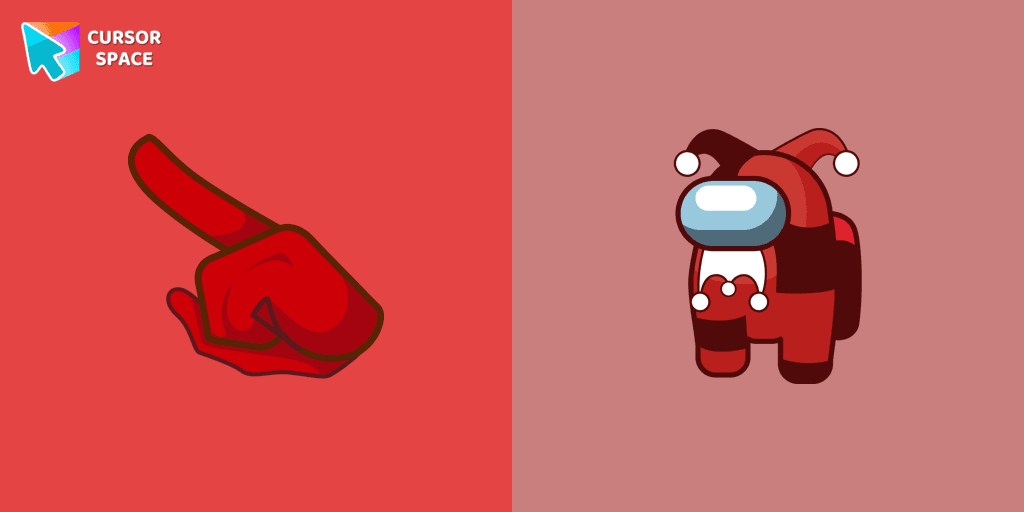
This cursor has been added to the game as part of the recent update and has quickly gained popularity among fans.
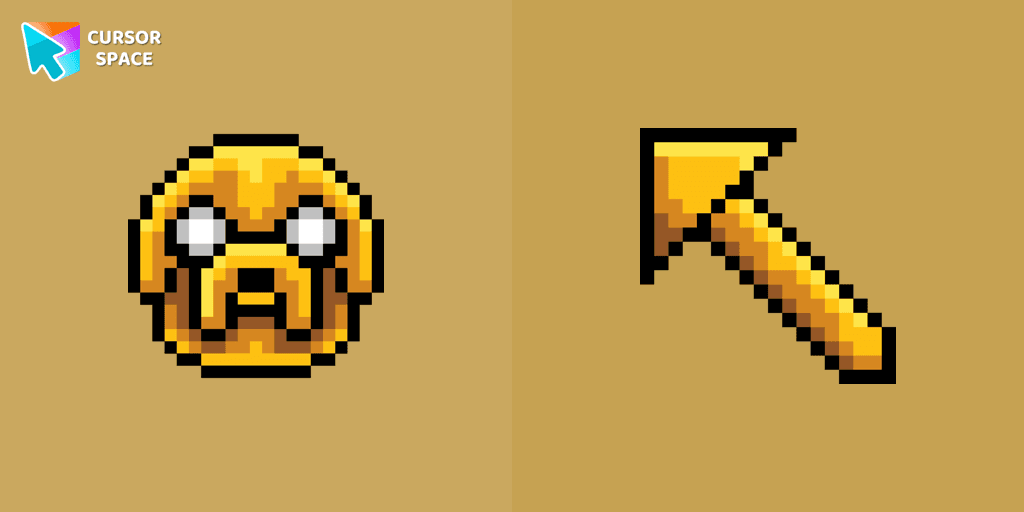
Jake Pixel custom cursor from our Cute Pixel cursors collection for mouse and pointer.

Experience the Goopy Le Grande custom cursor for Google Chrome, bringing the playful Cuphead boss to life. Add fun and animation to your browsing experience.
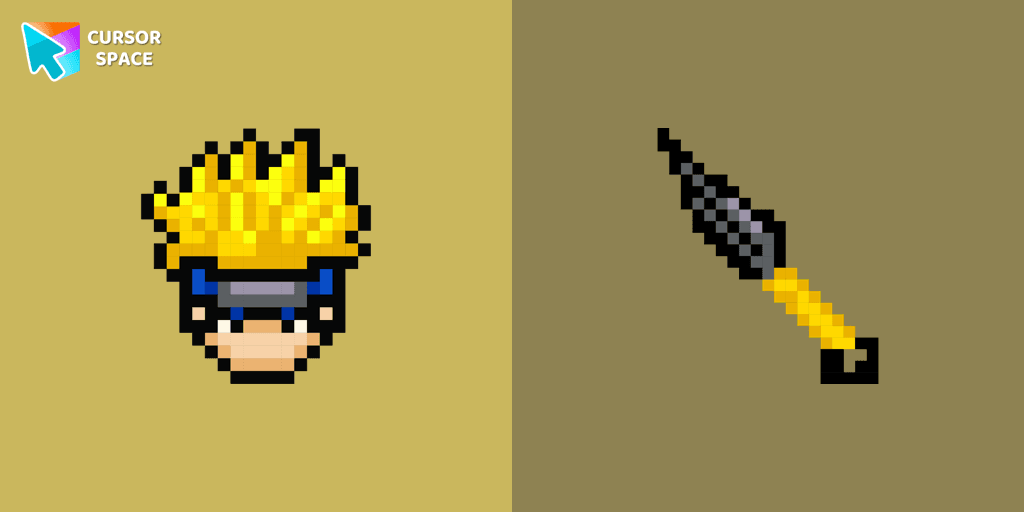
Cute Naruto cursor and pointer in our adorable custom cursors collection with Cute Pixel.
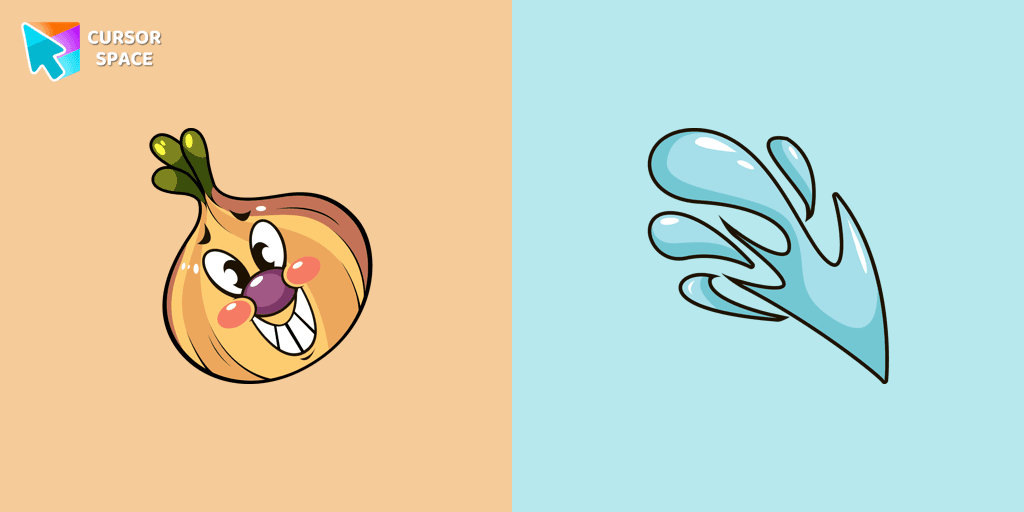
Introducing the adorable Ollie Bulb cursor from our Cuphead custom cursors collection. Spice up your mouse and pointer with this charming addition!
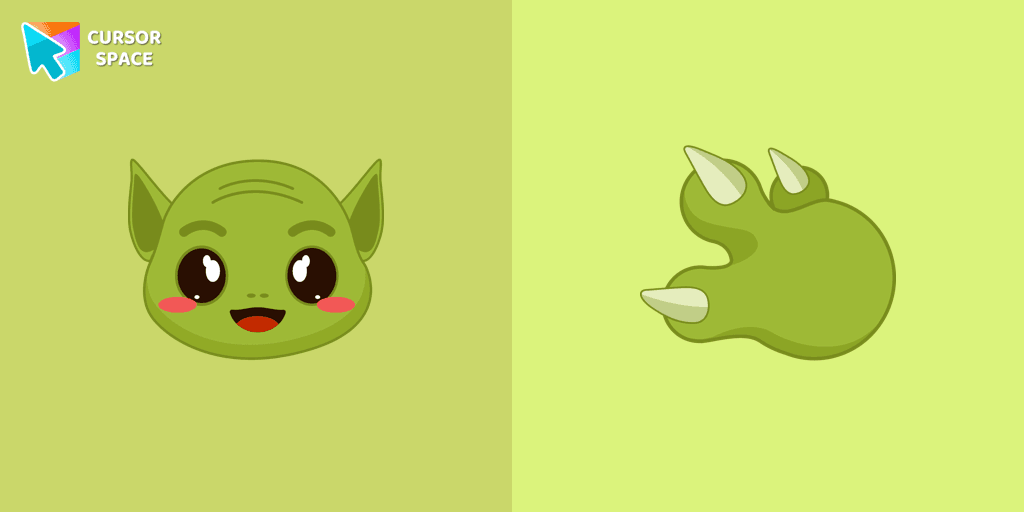
Our Grogu cursor is an adorable addition to your mouse, allowing you to enjoy the cuteness of the beloved character from Star Wars as you navigate your screen.

Is a Sanrio character who is a monkey. If you want to change the default cursor to Chi Chai Monchan, you are welcome to our collection of cursors Hello Kitty in a variety of moods.
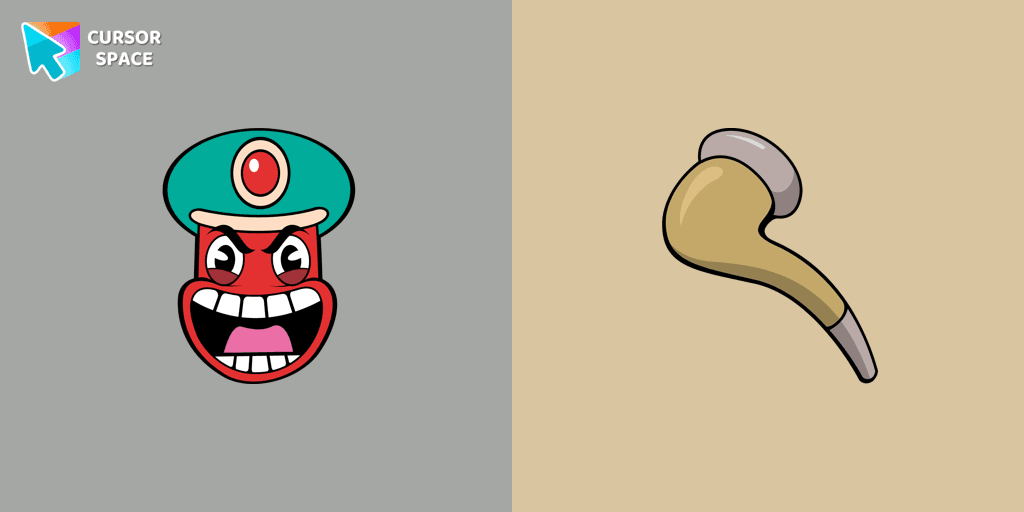
Transform your browsing with the Djimmi the Great custom cursor. This custom cursor for Google Chrome brings the magic of Cuphead to your screen.
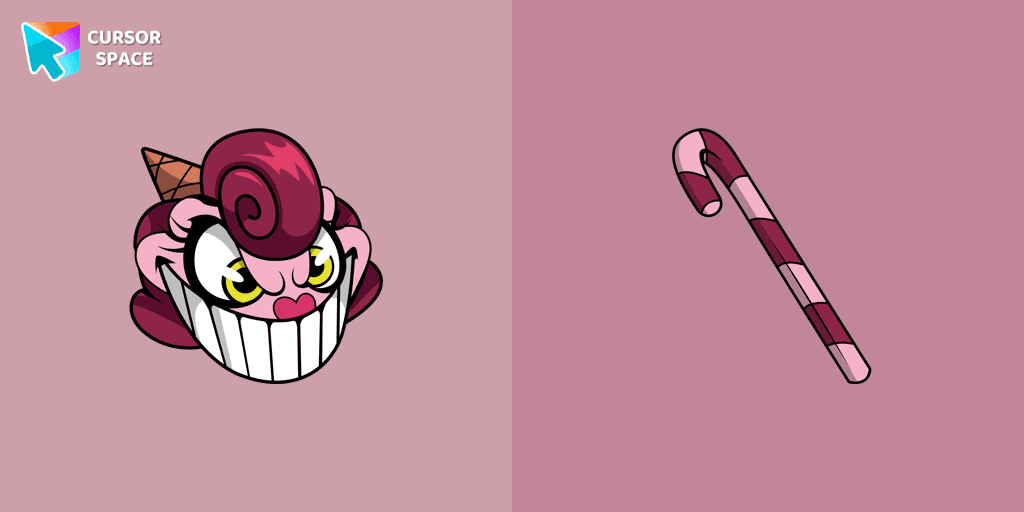
Baroness Von Bon Bon custom cursor for Google Chrome brings the Cuphead boss to life on your screen. Enjoy its animated and sweet design while browsing.
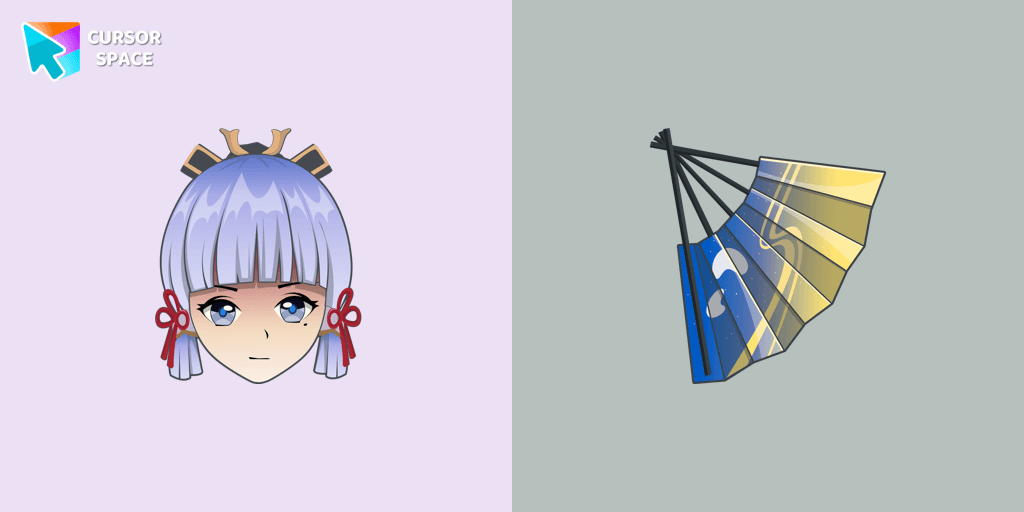
Сustom cursor with Ayaka includes a mouse cursor in the form of a fan and a hover pointer with Kamisato Ayaka.
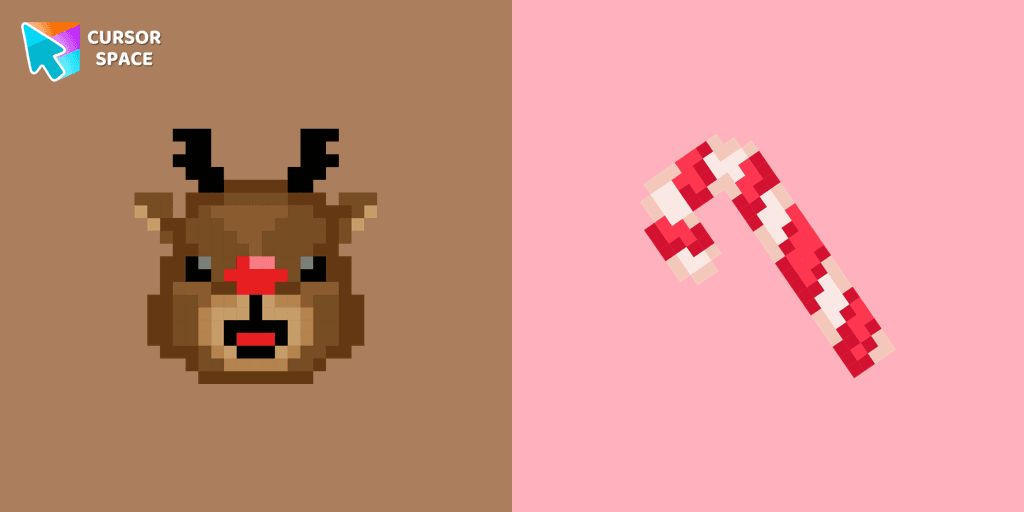
Cute custom cursor with Reindeer includes a mouse cursor in the form of a candy cane and a hover pointer with Reindeer.
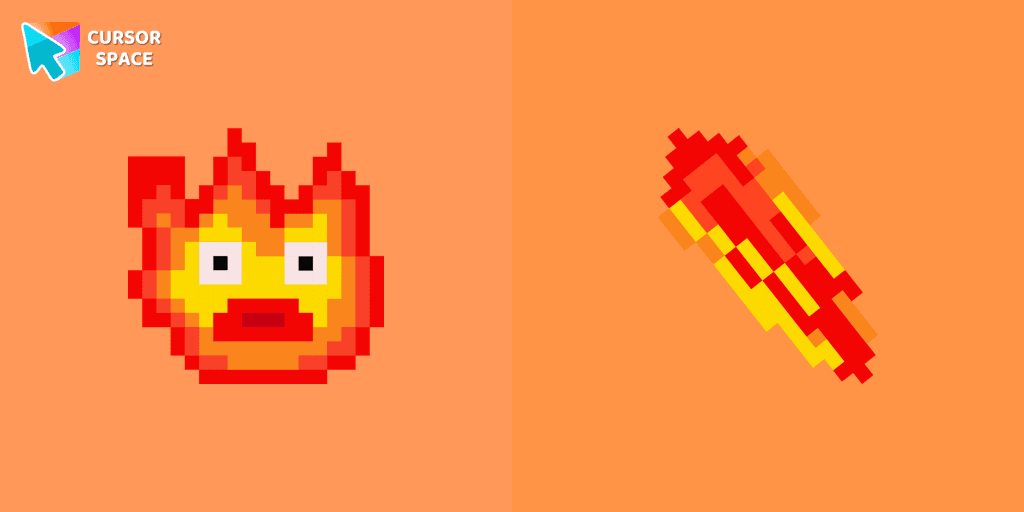
Calcifer Pixel cursor element is a cute custom mouse and pointer cursor with stylish pointing.
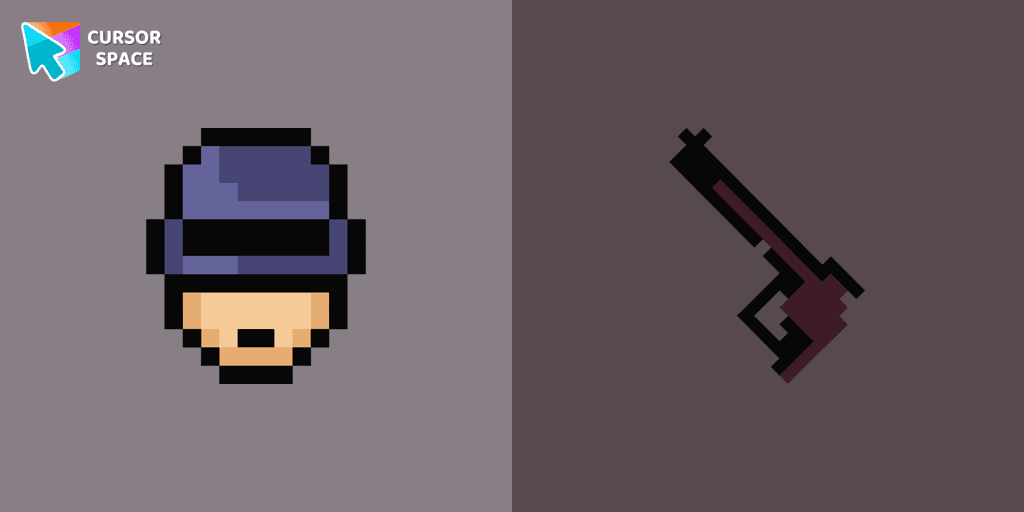
RoboCop Pixel as a custom cursor for Chrome. Now you can get cursor with RoboCop Pixel for your browser.
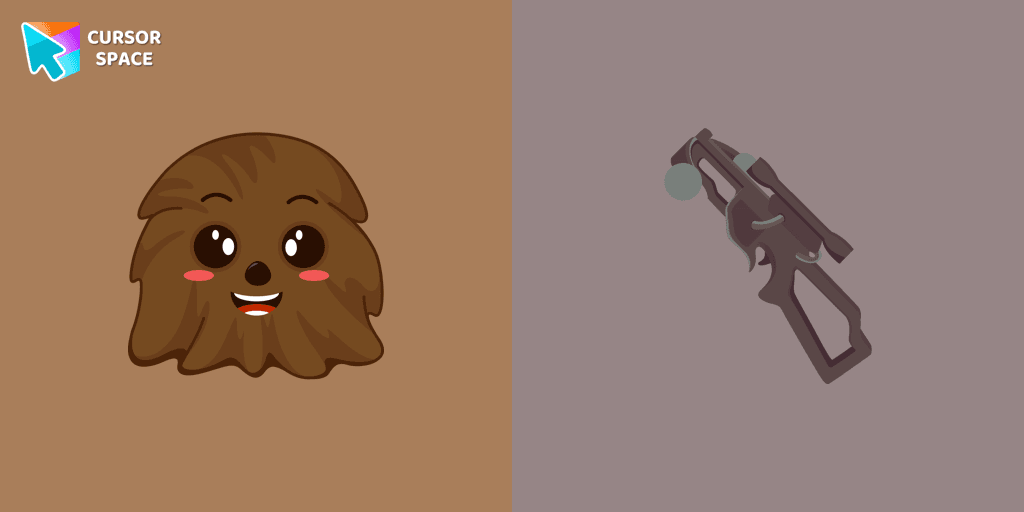
The Chewbacca custom cursor for Google Chrome brings the lovable Wookiee to your screen. Upgrade your browsing experience with this iconic design.
Cursor Space packs include curated cursor sets for everyday browsing: cute, minimal, anime, neon, pixel art, and more. Each pack comes with multiple cursor states (like default and pointer) and can be added to your browser in seconds.
Fresh picks based on what people install most often.
Browse themed sets grouped by vibe and aesthetic.
See weekly, monthly, and all‑time leaders.
Quick answers to common questions about cursor packs, collections, and installation.
Most cursor packs on Cursor Space are free to browse and install. Some packs may be marked premium depending on licensing. The Cursor Space browser extension is free to install from the Chrome Web Store.
Yes. Install the Cursor Space extension for Chromium-based browsers (Chrome, Edge, Brave), open a pack page, and click install/apply. The extension applies the cursor set across your browser.
Open the pack page, click the install or add button, install the Cursor Space extension if prompted, then apply the pack from the extension popup. Your new cursor appears immediately.
Yes. Open the Cursor Space extension, choose another pack, or restore the default system cursor from the extension settings.
Cursor Space is distributed via the Chrome Web Store and Edge Add-ons. Keep the extension updated, and only install packs from trusted catalog pages on this site.